

Start with the code you want to write
Open your project, find your way around the source files and get to work. You can start with the free edition.
 Code WeaverDevelopment environment for Windows
You have found the problem. Now you want to fix it, without chasing files, requests and queries across different windows. Code Weaver brings your project work together in one development environment for Windows.
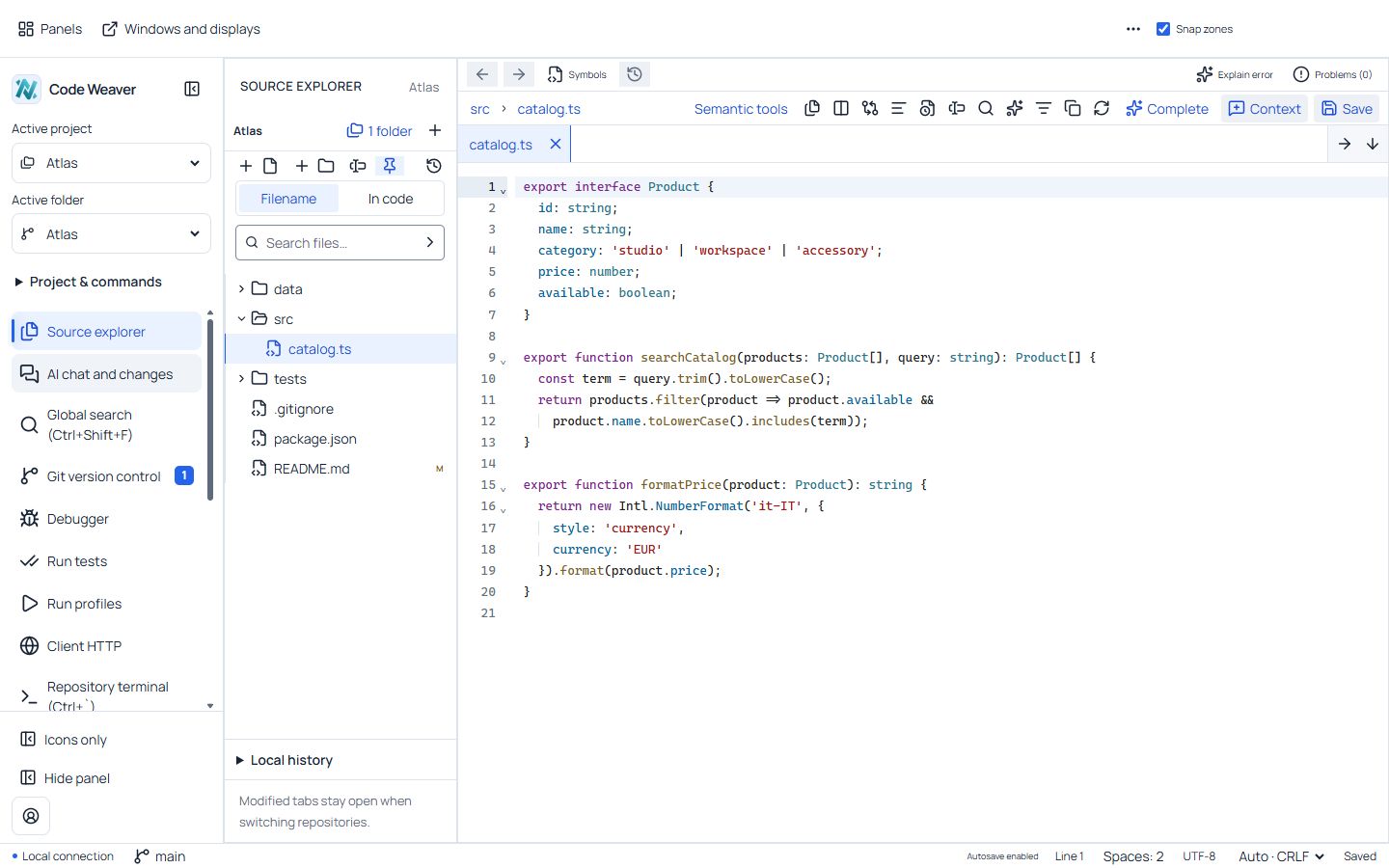
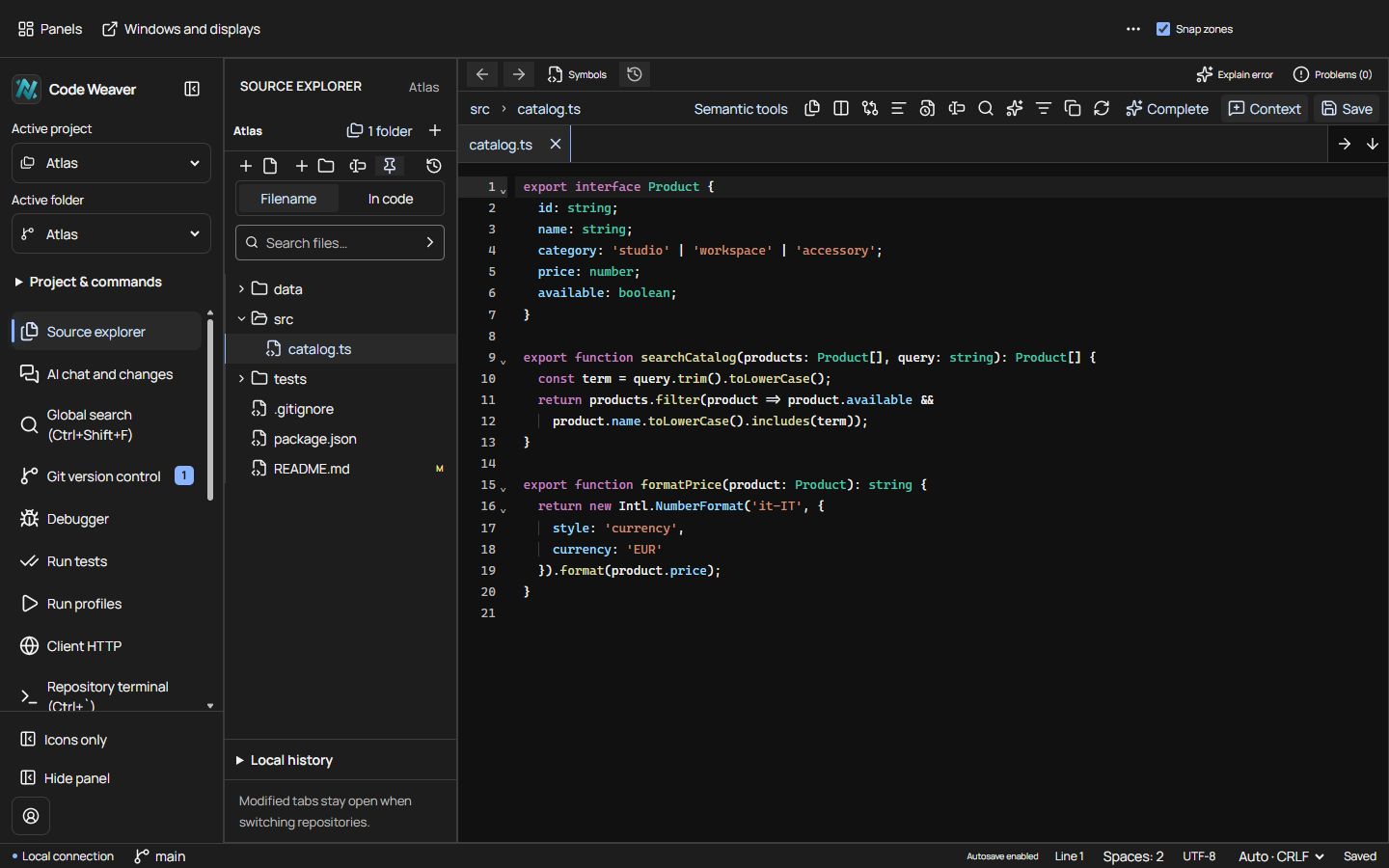
Open your project, find your way around the source files and get to work. You can start with the free edition.
With Premium, you can inspect the code, try the API request and check the data in the same environment. Keep your attention on the problem you are investigating.
Save your work so you can return to the files, test requests and queries you were using.
You are investigating why an API returns an unexpected total. In Premium, you work with the code, a test request and a data query together. A meeting comes up: save your work, then return to the same pieces of the investigation afterwards.
Explore Code Weaver